Drink Menus for Bars: 7 Examples and Tools Compared
Compare seven drink menus for bars: sample layouts, design tools and beverage platforms, with tips for cocktails, beer, wine and nonalcoholic drinks.
A guest sits down, opens the menu, and starts hunting. The wine list is on the back, the beer is in a paragraph, and the zero-proof drinks are nowhere. The bartender returns before the guest has finished reading. Good drink menus for bars solve that sorting problem before service starts. Cocktails, beer, wine and alcohol-free drinks each need a clear section, useful descriptions, and a layout that still works when the same page is read on a phone at arm's length.
That's harder than it sounds. A structure that reads cleanly on a printed card crumbles into cramped text in a mobile browser, and a design that looks sharp on a desktop mockup can hide the nonalcoholic list three taps deep.
Seven options follow, including a sample bar menu you can open on your phone right now. Each entry shows how it groups cocktails, beer, wine and zero-proof drinks, what it does well, and the phone test to run before you commit money or print.
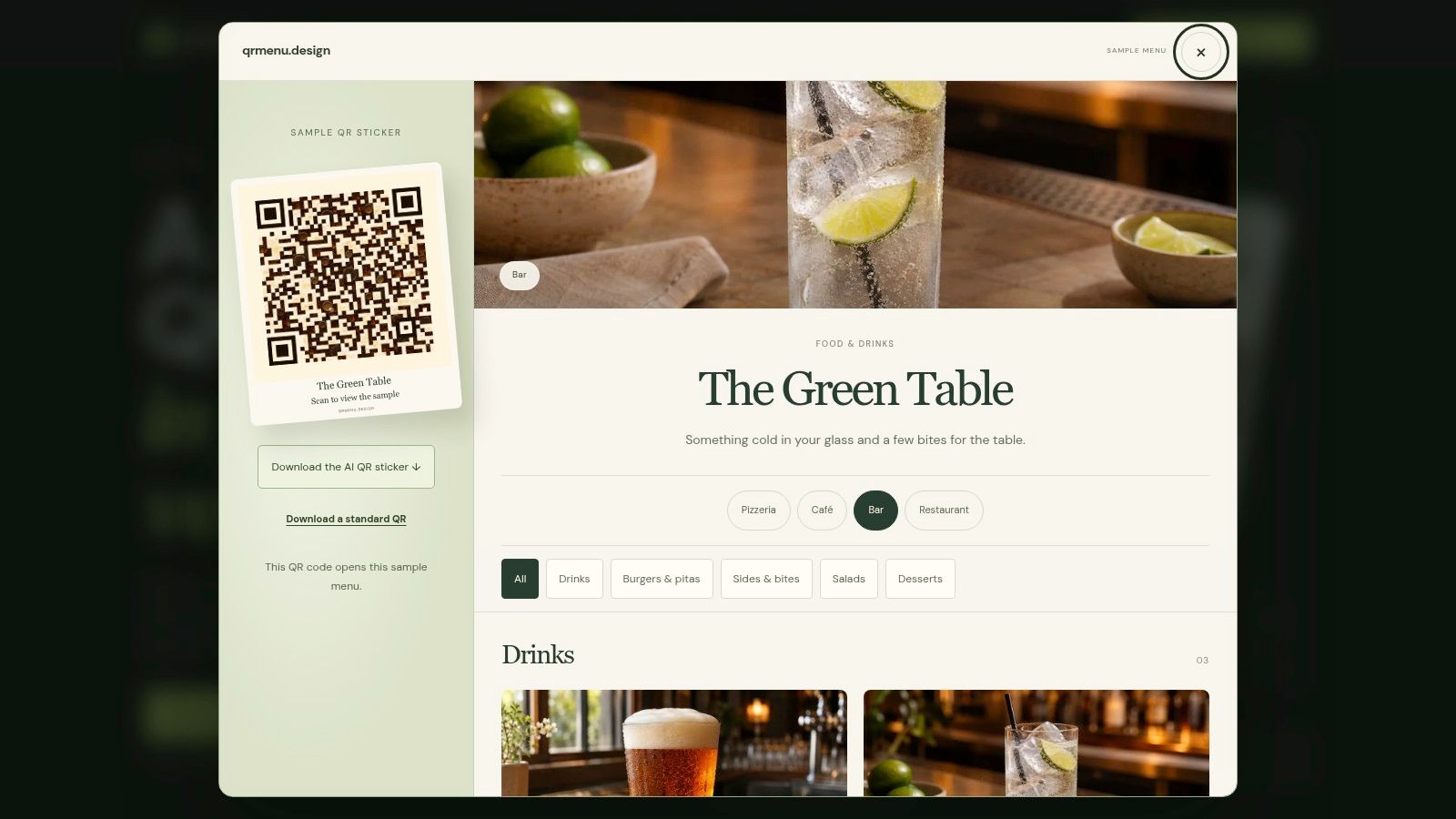
1. Bar Sample Menu at The Green Table
Cocktails carry more of a bar list than they used to. On-premise alcohol sales in the United States were estimated at $108 billion in 2017, cocktail listings on U.S. menus grew 15% between the fourth quarter of 2015 and the fourth quarter of 2017, and wine still appeared on 39% of menus in that window, according to Prepared Foods' menu-tracking report. Structure now decides whether a guest finds their category before the server arrives.
The Green Table is the bar sample on qrmenu.design, and it costs nothing to open, with no sign-up. It's a fictional venue: botanical QR artwork tied to the drinks, a drinks-and-small-bites list, example prices, and AI-generated food photographs rather than shots from a working bar. Open it on your phone and you see exactly what a guest reaches after scanning the sticker, in a browser, with no app and no account.
The same page offers PNG downloads of an illustrated QR sticker and a standard code. Print both and run them side by side on a test table.
What the phone test reveals
Scan the code with your phone's camera, then time how long it takes to reach each of the four categories. Watch for these:
- Section order: Cocktails belong first or second, not buried under food.
- Description length: One or two lines per drink. Long ingredient lists push prices off-screen.
- Price alignment: If a price wraps onto a second line, the layout looks broken to a guest.
- Artwork border: Illustrated codes still need their blank margin intact.
That last point catches operators out. Decoration crowding the code's edge can stop it from scanning, so the clear border stays untouched no matter how the artwork looks. Before anything goes to print, confirm the code opens the right menu and scan a printed test on more than one phone, because a code that reads on a new iPhone can still fail on an older Android camera.
Two limits are worth stating plainly. The venue, drinks and prices are examples, and the sample is a browsable list with no ordering built in. Publishing your own menu isn't available yet either; qrmenu.design's menu maker is still in development and is planned to be free.
2. Canva
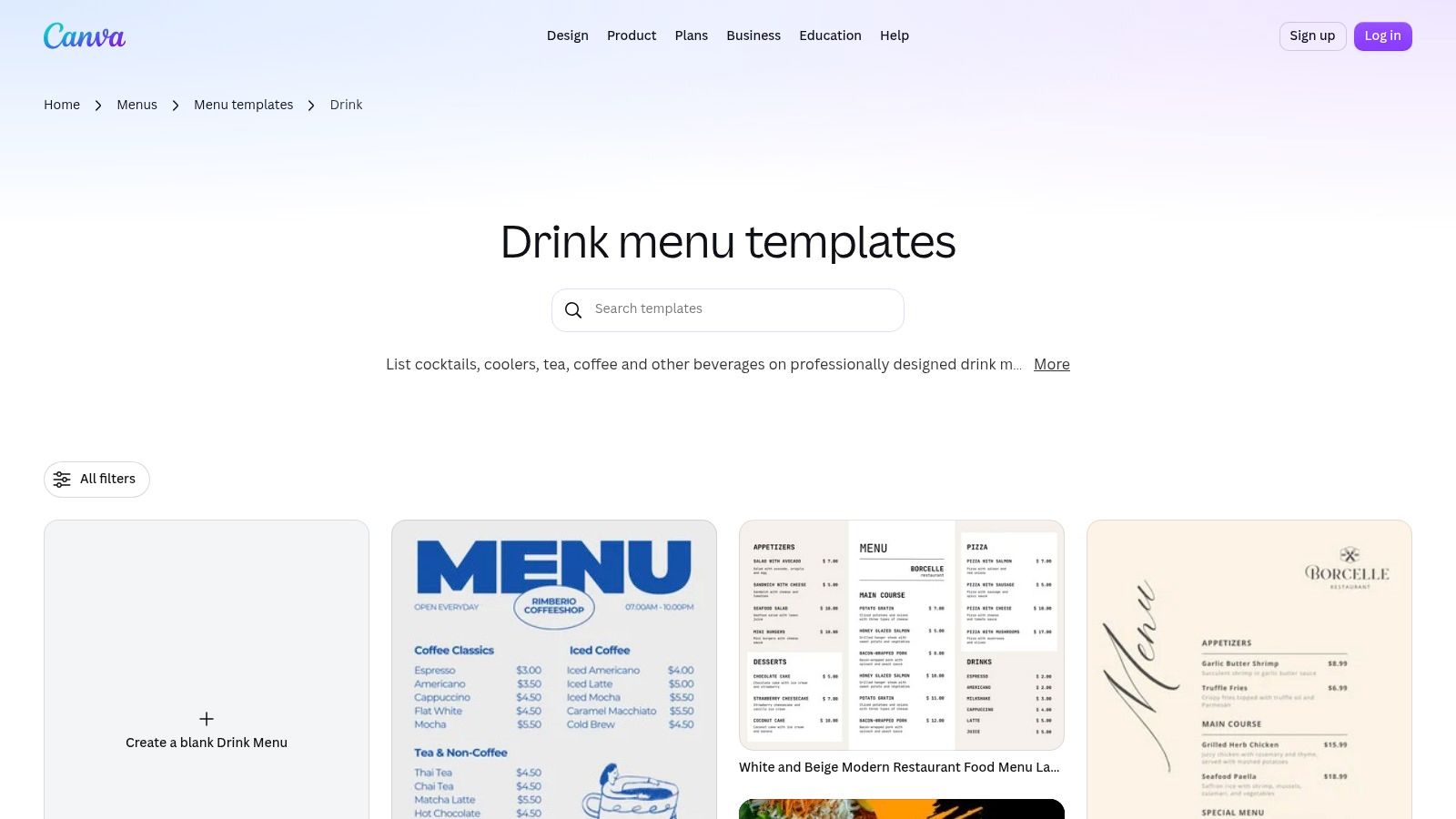
Canva is the design route. Pick a drink, cocktail or wine template from Canva's drink menu templates, drop in the venue name, drinks, descriptions and prices, then export a PDF for the printer. For a bar that wants one well-designed printed list and doesn't employ a designer, this works.
What it doesn't do is separate design from compliance. A printed bar menu carries obligations a template can't enforce. French public-service guidance on menus requires establishments to display non-alcoholic beverages separately from other drinks, to provide allergen information for non-prepackaged food, and to state whether a drink is included in a set menu. Local rules differ, but the shape of the problem doesn't: the menu has to answer questions the layout never asks.
Practical rule: Write the four sections and every allergen note in a plain text file first. Design after. Templates tempt you to squeeze the copy into the layout instead of building the layout around the copy.
Edits to a Canva file don't update anything a guest is holding. Change a price at 5pm and you're reprinting or re-exporting. Brand kits and premium assets sit behind a paid plan, which matters if a group wants matching fonts across several venues.
Export the finished menu, email it to yourself, and open it on a phone in portrait. If someone has to pinch and zoom to read a wine price, the type is too small and the print will be worse.
3. GustoQR
Classic drinks are back on menus, and that changes how a cocktail section should be built. According to Mintel Menu Insights, cocktails described as "classic" increased 76% from 2009 to 2012, the Gimlet up 63% and the Sazerac up 57%, and among people who had ordered a drink at a bar or nightclub, 54% had ordered beer in the previous three months against 44% who had ordered a cocktail. Guests want a familiar name next to something unfamiliar.
GustoQR is built for that split. Its digital drink menu separates ingredients from tasting notes, hides sold-out drinks, and lets staff edit from a phone. That maps cleanly onto a mixed list: a beer line reads as style, ABV and pour size, a wine line carries region and a short note, and a cocktail gets its build on one line and its flavor on the next. When a keg blows at 9pm, the tap line disappears instead of sitting there disappointing people.
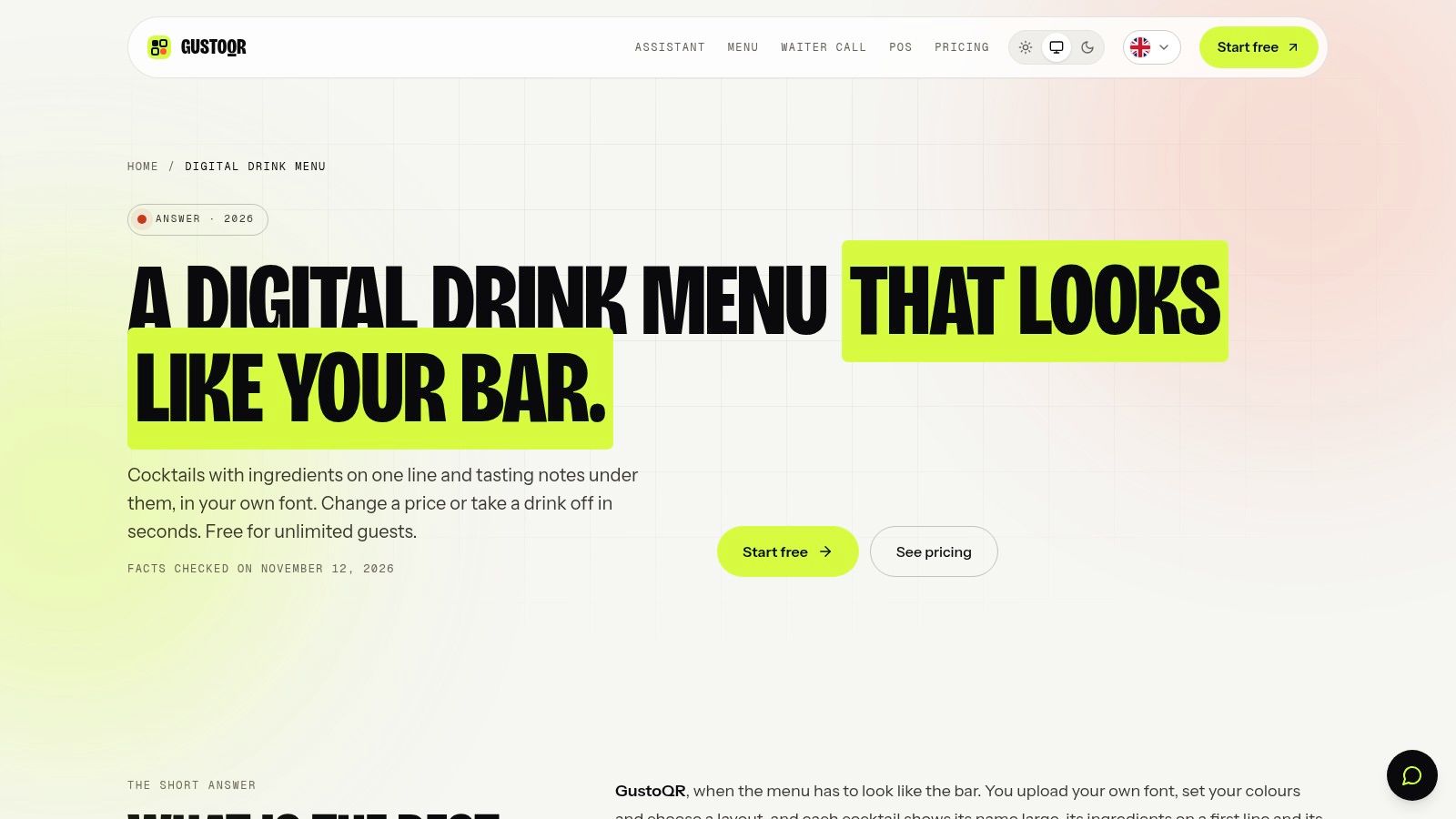
Familiar names bring guests in. Descriptions sell the second drink.
The provider lists automatic translation into more than 18 languages, custom fonts and themes, and custom colors. Published user reviews of GustoQR are sparse, so test it yourself rather than relying on reviews. A QR-first setup also leaves out guests who prefer paper, so keep a printed card behind the bar.
The same section logic applies to daytime trade, and these café menu ideas show how even a short list needs its own blocks. Before you commit, run the phone test: open the menu, check that a cocktail's ingredients and its tasting note sit on separate lines a guest can skim in three seconds, then mark a beer sold out and confirm it drops off the live list. If your room draws tourists, check the same page in a second language.
4. PlatterTap
Moderation isn't a niche any more. In a survey reported by GoUpstate on 2025 drinking trends, 49% of adults planned to drink less in 2025, rising to 65% among Gen Z, and non-alcoholic beverage sales reached $829.2 million in 2024 after growing 27%. Those guests are already at the bar. The question is whether the menu gives them a real choice or a token line.
PlatterTap publishes a phone-friendly menu page with a shareable link and table QR codes, including PNG and SVG downloads. Staff edit items and prices from a phone and changes go live.
The trade-offs are concrete. Free menus display PlatterTap attribution, the free tier is limited to one language, and the provider states it doesn't handle guest ordering or payment. For a live menu without ordering, that's usually fine. Plan terms change, so confirm the current free-tier features and limits on PlatterTap's own site before you commit a list to it.
For zero-proof drinks, the structural decision matters more than the tool. Put them beside the cocktails, at the same type size, described by flavor and occasion. Mark clearly whether a drink is zero-proof or merely low-ABV, and price it according to labor and ingredients instead of treating it as a soft drink. A guest who skipped alcohol still pays for craft.
Open the menu on a phone and check whether the alcohol-free option gets the same description depth as the gin drink next to it. If it gets one line and no garnish note, guests read it as an afterthought. More menu examples and guides show how that layout translates to other venue types.
5. Taplist.io
Volume tells you what sells. Margin tells you what earns. A menu-engineering case study of 54 drink items, published in a restaurant menu-engineering analysis, classified 13% of drinks as stars (popular and profitable), 28% as puzzles (profitable but slow), 24% as plowhorses (popular but thin-margin) and 35% as dogs.
Each group needs a different fix. Give stars prominent placement and consistent naming. Give puzzles a clearer style cue and a tasting note that justifies the price. Review a plowhorse's portion, garnish or price before increasing its visibility. Reformulate, reprice or remove a dog after checking whether it still serves a niche the list needs.
Where a beverage database helps
Taplist.io combines hosted web and QR menus with optional TV menus, plus a private beverage and product database for item details and tasting notes. For a taproom or beer-heavy bar with rotating lines, keeping the description, ABV and price in one record reduces the retyping that produces errors. Tasting notes also give a puzzle drink the explanation it needs.
The plans are paid after a 14-day trial. TV menus require compatible hardware, which isn't included in the Starter plan. A bar running a static printed list may find the feature set larger than it needs.
On a phone, open the QR version and check whether a guest can read the style and tasting note without scrolling past ABV and price. If the note sits below three lines of metadata, it isn't doing its job.
6. Evergreen
Menu engineering turns messy once a bar publishes in four places. A hotel-restaurant study of 99 beverage purchasers tested an engineered drink menu across seven attributes, from visual display and description clarity to variety, placement of priority items and ease of choice. The study on menu engineering and drink-purchase decisions reported a coefficient of 0.707, significant below 0.001, with the menu variables explaining 43.9% of the variation in guests' drink-purchase decisions.
That's an association from one hotel-restaurant sample, not proof that a redesign lifts sales by that share. Treat it as a reason to test.
Measure first: Run a pre/post test on drink units per cover, beverage revenue per check, category mix and contribution margin. A menu change that lifts cocktail count while dropping margin per drink isn't a win.
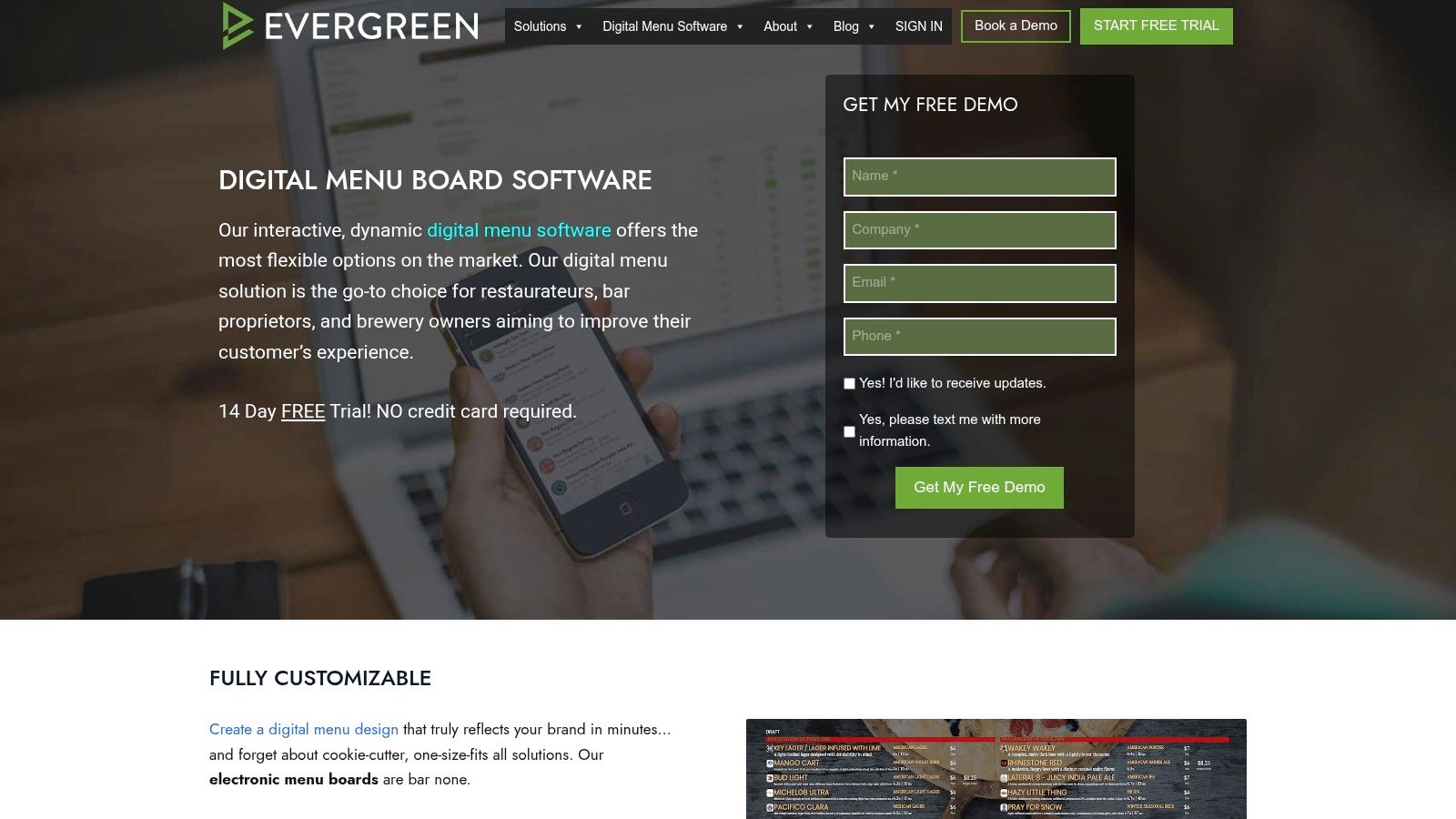
Evergreen publishes one central menu to digital boards, QR, print and web. Its beverage database covers beer, wine, spirits, cocktails and nonalcoholic drinks, and POS integrations push price and availability updates. Scheduled changes handle happy-hour pricing without a staff member remembering at 4:55pm.
The costs are real. It's more involved than a basic QR tool, published pricing sits well above free or low-cost menu makers, and screens and hardware need planning alongside the subscription.
The phone test here is a consistency check. At the same minute, does the QR menu show the same happy-hour price as the screen behind the bar? If they disagree, the single source isn't single.
7. Look Digital Signage
If the bar already has screens above the back bar, Look Digital Signage is the closest fit on this list. Its bar menu platform ships templates for tap lists, cocktails, beer, wine, spirits and promotions, with browser-based editing for logos and fonts. Menus can be scheduled for happy hour or late-night service, so the list changes without anyone touching a screen.
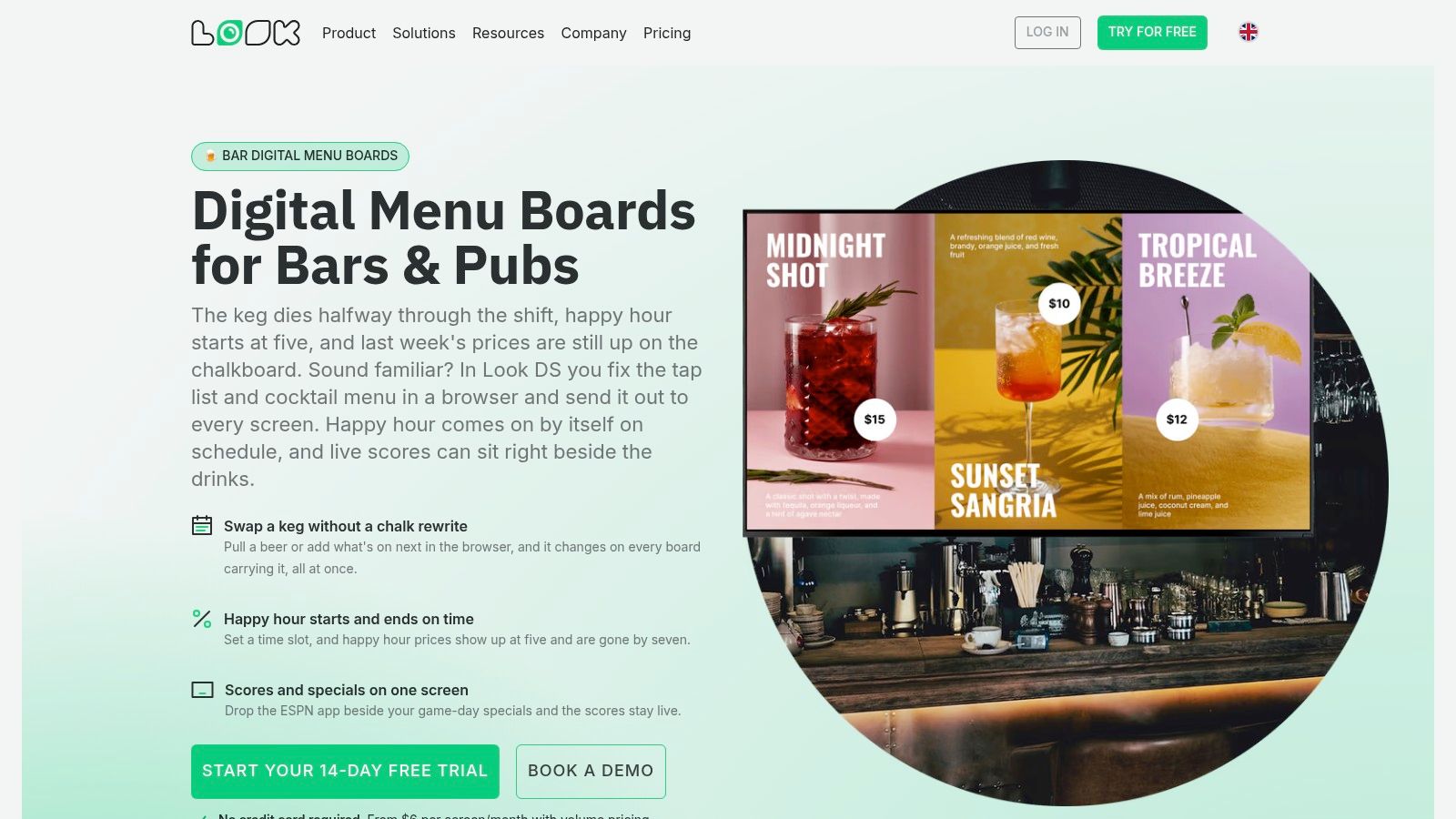
The platform supports multiple screen operating systems and caches images and video locally, which matters when venue wifi drops mid-service. The provider lists a 14-day free trial and in-app support, and pricing varies with screen count and billing choice, so confirm current terms before budgeting.
One limitation deserves a plain statement. Playback analytics show that a promotion ran on a screen. They don't show that a guest read it or ordered from it, so pair screen changes with till data rather than trusting impressions.
Screen signage also adds setup work a QR sticker never needs: mounts, cabling, a device per screen and a plan for what displays when the menu system is offline. For a venue without screens, that's a project. For a venue with four already mounted, it's an afternoon.
The phone test is a distance test. Open the menu preview on a phone, then step back to where a guest stands at the bar. If the drinks at the bottom of the screen can't be read from there, the density is too high for the room.
How the seven drink menu options differ by primary use, free access, trial terms, and POS or ordering support
| Item | Primary Use | Free Access Noted | Trial or Plan Note | POS or Ordering |
|---|---|---|---|---|
| Bar Sample Menu – The Green Table | Preview a bar-style QR menu | Browser-based sample preview | Fictional demo; custom menu-making tool is not yet available | No ordering; not an active ordering service |
| Canva | Design and print drink menus | Free design tools and templates | Some assets and brand features require a paid plan | Design tool; no live ordering noted |
| GustoQR | Create editable QR drink menus | Low-cost way to try a live menu; free access not specified | Plan details not specified | Ordering or POS not specified |
| PlatterTap | Publish live menus with links and table QR codes | Free plan with no trial limit or credit-card requirement | Free plan has attribution and is limited to one language | No guest ordering or payment |
| Taplist.io | Manage hosted beverage menus and optional TV menus | 14-day trial | Paid plans after the trial; TV hardware is separate | POS or ordering not specified |
| Evergreen | Manage menus across screens, QR, print, and web | Free access not specified | Published pricing is higher than free or low-cost menu makers | POS integrations update prices and availability; ordering not specified |
| Look Digital Signage | Display and schedule bar menus on screens | 14-day free trial | Pricing varies by screen count and billing choice | POS or ordering not specified |
Testing a Bar Drink Menu Before You Print
Start with the phone, not the printer. Open a sample bar menu on your phone and count the taps needed to reach cocktails, beer, wine and nonalcoholic drinks. Two or three is fine. Five means the structure is already failing at the table, before anyone orders.
Google's own Camera guidance for QR codes describes what happens: the guest points the phone camera at the code and taps the banner that appears to open a browser page. Nothing more is automatic. That's why every printed sticker deserves a scan test on more than one phone, in the venue's own lighting, from the distance a seated guest will use. The guest never installs an app or creates an account, so whatever slows that first screen is a problem in your menu structure, not their setup.
Tap targets need the same scrutiny. Test category tabs and back controls with a thumb rather than a mouse, and check that text stays readable without horizontal scrolling.
Match the tool to the structure you need. A printed list needs design control and compliance notes, so Canva does the job. A live QR list that changes weekly needs mobile editing, which puts GustoQR, PlatterTap, Taplist.io and Evergreen in play depending on budget. A room with screens needs scheduling and hardware support, which is where Look fits.
Before a sticker goes on a table, run the three-step print check: confirm the code opens the correct public menu, scan a printed version on more than one phone, and keep the clear border around the code. Those steps catch the failures that matter, the wrong destination, unreadable print, and a code that only works on the phone that generated it.
Publishing your own menu through qrmenu.design isn't available yet. The menu maker is still in development and is planned as a free tool, so use the samples to evaluate layout and artwork today. Feature and pricing details for third-party tools change over time, so check each provider's site before committing to a plan.
When you're ready to compare layouts side by side, explore the sample menus at qrmenu.design.
qrmenu.design offers free sample menus for 36 venue types, from pizzerias and cafés to cocktail bars, hotel restaurants and food trucks, each paired with downloadable QR artwork that opens a browser-based menu with no app or account. The bar sample, The Green Table, is a practical starting point for judging how cocktails, wine, beer and zero-proof drinks sit together on a phone. Visit qrmenu.design to open the samples and download a QR design to test before you print.